


Integration ERP and e-invoicing is the foundation for standard operations – transparency – automation – cost savings. Not integrating not only slows down businesses but also creates huge financial risks, taxes and hidden costs.
The advantages of integrating ERP and electronic invoices (E-invoices) are not only to automate financial and accounting processes, eliminate manual data entry, reduce errors, save costs (printing, storing E-invoices, shipping), but also to consolidate data on a single system, and enhance decision-making and legal compliance.
Let's learn more about the integration solution in the article below by Bizzi.
Why do all businesses ask “how to integrate ERP with electronic invoices”?
The question of ERP and e-invoicing integration is a strategic one, as it determines the speed, accuracy, compliance, and ROI of the entire AP & accounting process of the enterprise. API + automation solution is the only way to ensure a seamless, secure, and efficient end-to-end process.
Electronic invoices are mandatory, but if businesses must issue and electronic invoice storage According to the law, with fragmented processes (tax portal, Excel, email), it will lead to”
- Easy to make mistakes, duplicate invoices.
- Slow reconciliation and payment processing.
- Hidden costs arise due to manual data entry and checking.
Meanwhile, ERP is considered the “heart of data”. ERP stores all accounting, financial, purchasing, sales, and debt data. If not directly connected to eInvoice → accountants must:
- Manual data entry.
- Manual PO – GRN – Invoice reconciliation.
The consequences lead to data errors, increased tax risks, and impacts on reporting and auditing. Therefore, these are the questions that CFOs, chief accountants, and FP&A always wonder about before implementing eInvoice automation.
- “Will my ERP integrate?”
- “Is the integration cost high?”
- "Will there be tax penalties for incorrect mapping?"
- “Old ERP, no API… can it do it?”
What is ERP and E-Invoice Integration? Why is it a mandatory step of digital finance?
Integrating ERP with eInvoice is a mandatory step to move to digital finance (Smart Finance). It not only ensures legal compliance, but also increases speed, reduces costs and errors, creating a foundation for the next steps of accounting automation such as RPA, AP Automation, Expense Control.
1. Main concepts
ERP Integration plays a role in connecting the data flow between ERP and the eInvoice system, including orders – invoices – payments – tax reports; helping data from sales, warehouse, accounting and tax to be synchronized and seamless. Meanwhile, E-invoice Integration is responsible for automatically creating - signing - issuing - sending - storing - synchronizing invoices according to XML standards, with identification and digital signature. Thereby eliminating manual operations, speeding up processing and reducing errors.
2. Mandatory legal standards
ERP – eInvoice integration helps businesses fully comply with the law, avoid penalties due to billing errors.
- Decree 123/2020/ND-CP.
- Circular 78/2021/TT-BTC.
- XML Standard 1.0.7 or higher.
- Regulations for editing - replacing - canceling invoices via ETAX.
3. The role of ERP integration and electronic invoices in enterprises
Many managers choose to integrate ERP and e-invoicing for many reasons:
- Eliminate manual data entry: Employees do not have to copy data from eInvoice to ERP.
- Data normalization: Unify information between sales - warehouse - accounting.
- Reduce billing errors: Avoid fines for violations at the time of invoicing (4-8 million VND/error).
- Shorten the closing time: Reduce 20–40% month/quarter end processing time.
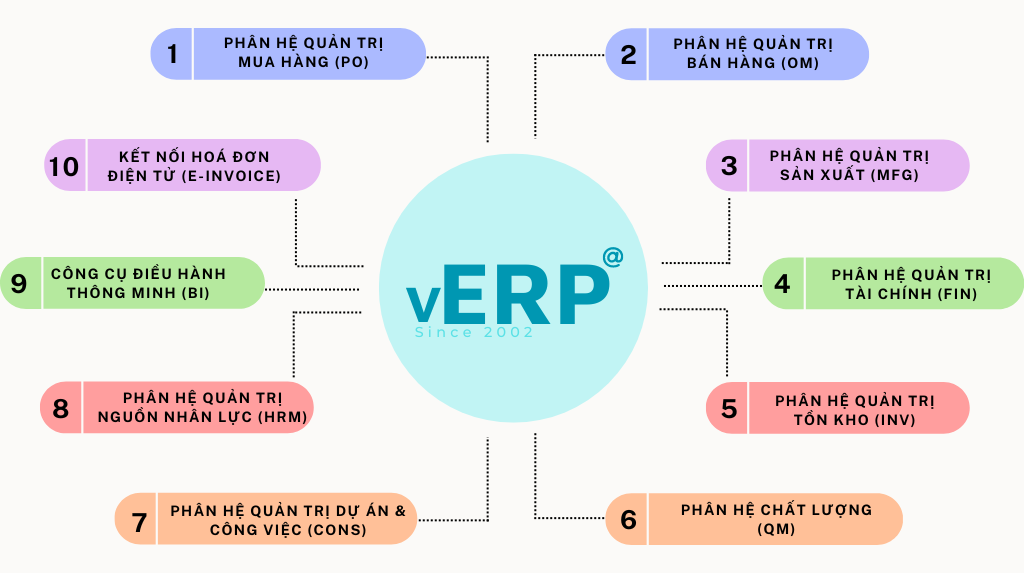
What is ERP and e-Invoice integration architecture and engineering?
The architecture and engineering of ERP and e-invoicing integration include data transmission methods, tax standard mapping, digital signature and authentication, error prevention and security mechanisms. The standard integration not only ensures legal compliance, but also increases processing speed, reduces errors, and improves data for RPA and Smart Finance.
1. Popular integration methods
The goal of integrating ERP and e-invoicing is to ensure continuous, synchronized data flow and reduce manual operations.
- REST API | JSON/XML: Direct communication between ERP and eInvoice system, supporting standard data exchange.
- Real-time sync webhook: When there is a new invoice or the status changes, ERP gets notified immediately.
- Middleware / ESB: For business use Multi-system, standardize and coordinate data before entering ERP.
- Batch Sync: Suitable for old ERP, does not support realtime, data is synchronized in periodic batches.
2. Tax standard data mapping
This technique ensures valid invoices, avoids errors, tax penalties, and facilitates reconciliation. Important data fields must be accurately mapped between ERP and eInvoice:
- Buyer/Seller Information: Tax code, name, address.
- TaxCode – TaxRate – TaxAmount: Tax rate, tax amount.
- Line Items: UOM, SKU, Quantity, Discount.
- Payment terms: Payment terms.
- Contract / PO / Delivery note mapping: Link invoices to contracts, orders and delivery notes.
3. Digital signature - transmission - authentication mechanism
- HSM digital signature: Ensure electronic signatures are legal and secure.
- Send ETAX → receive code → synchronize ERP: Automatically issue and update invoice status.
- Invoice status processing: Accepted, Rejected, Queue Pending.
4. Error prevention mechanism
- Retry queue: Automatically retry sending on network or ETAX error.
- Duplicate invoice check: Prevent duplicate invoices and avoid miscalculations.
- XML schema validation: Check invoice structure before sending.
- Error code handling from ETAX: Classify and alert errors, reduce the risk of errors.
5. Security
- Encrypt data during transmission between ERP and eInvoice.
- Role-based access management (role-based access).
- Full log and audit trail storage to test and trace.
Popular & Integrated ERP Ecosystem
ERP and e-invoicing integration must depend on the type of ERP, business size and data standardization.
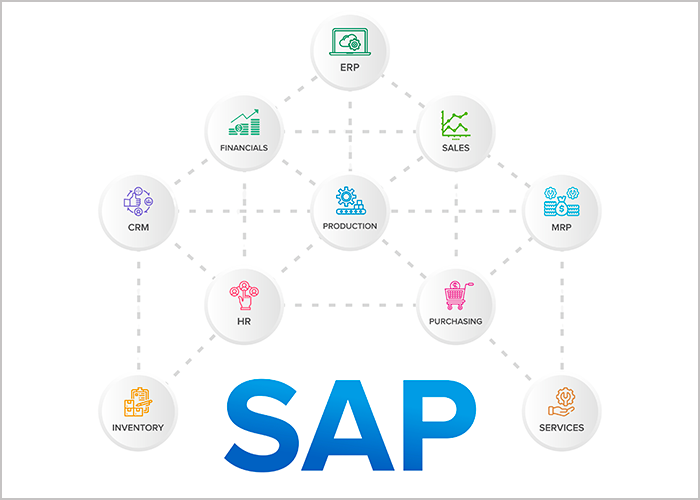
first. SAP ERP /S/4HANA
Integration method: via IDoc → API Gateway.
Features:
- Must have standard mapping of FI (Financial) / SD (Sales & Distribution) / MM (Material Management).
- Suitable for large, multinational enterprises with complex processes.
Advantage: strong in data management, standard processes, scalability.
Challenge: High integration cost, complex and precise mapping required.
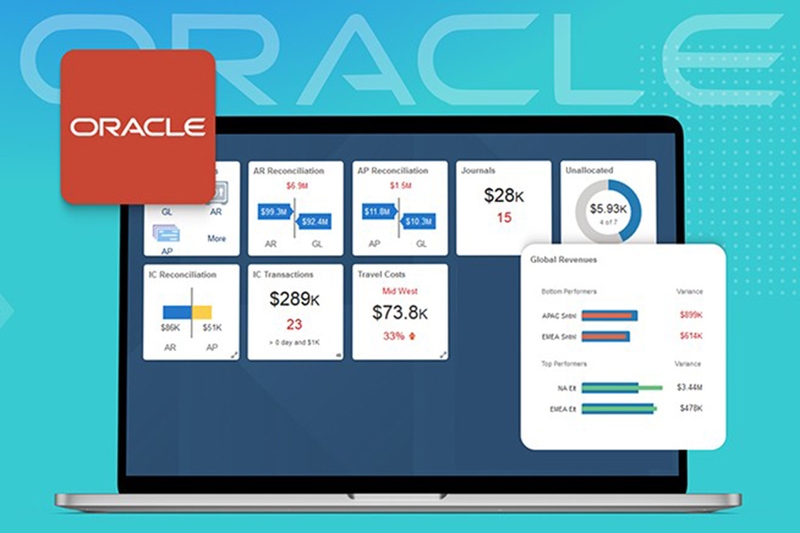
2. Oracle ERP Cloud
Integration method: Native adapter, multi-country tax support.
Features:
- Cloud system, automates many financial processes.
- Support standardizing invoice data, easy to connect with international eInvoices.
Advantages: modern, standardized, strong in workflow automation.
Challenge: need to configure correctly Vietnamese tax standards, copyright costs.
3. Odoo
Integration method: based on flexible Webhook.
Features:
- Popular with SMEs due to low cost and ease of implementation.
- Support various modules of accounting, sales, purchasing, warehouse.
Advantages: fast, flexible, easy to customize for SME needs.
Challenge: need accurate mapping, eInvoice data validation mechanism is not synchronized like large ERP.
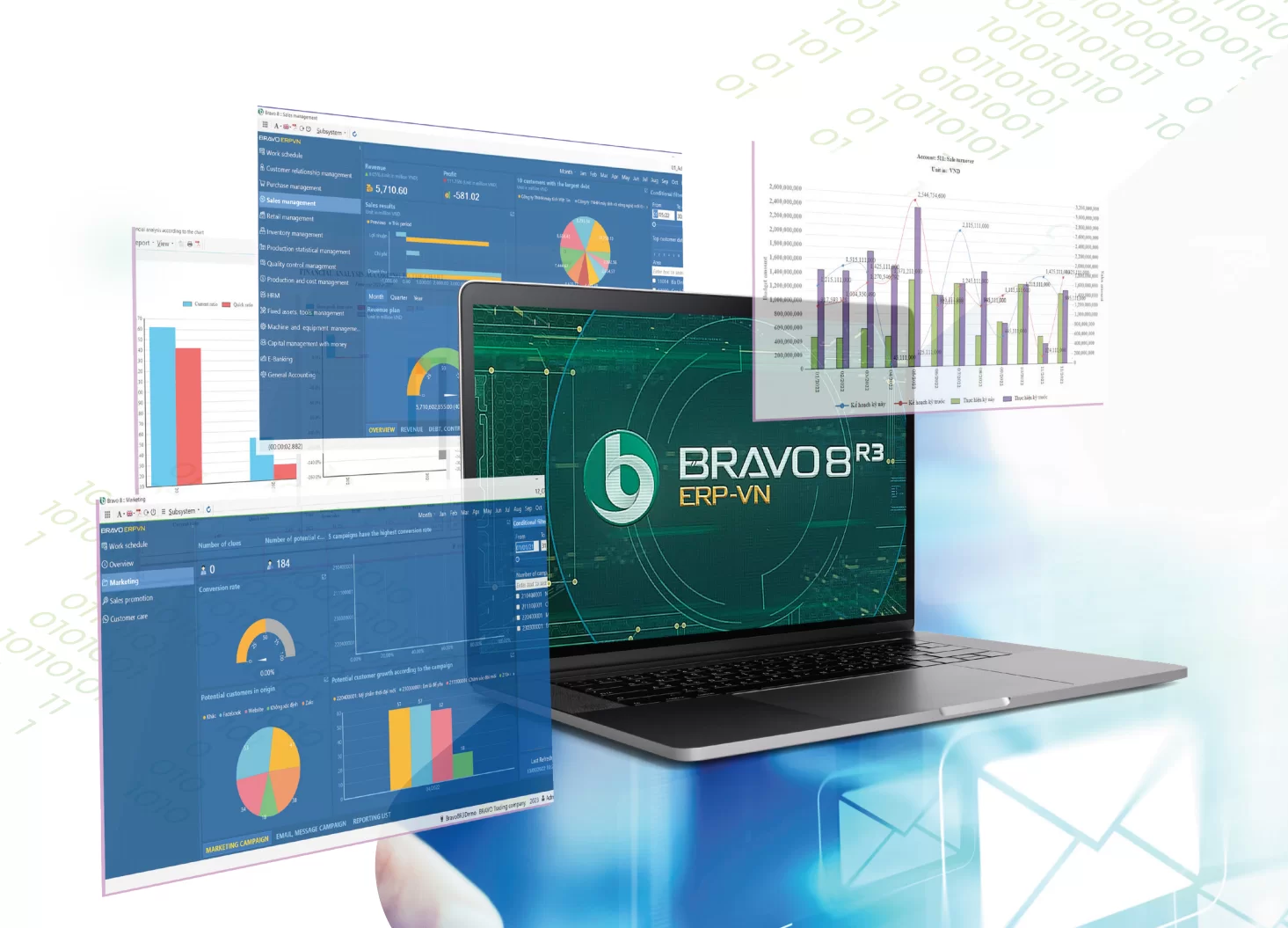
4. Bravo / Misa / Fast
Integration method: Each eInvoice vendor uses different XML.
Features:
- Popular in small and medium Vietnamese enterprises.
- Creates mismatch risk, if mapping is not standard → data error, tax penalty.
Advantage: low cost, SME friendly, quick deployment.
Challenge: need solutions middleware or RPA to standardize and avoid errors when integrating eInvoice.
Integrated ERP and electronic invoice business process: From sales → invoice issuance → revenue recognition
ERP & eInvoice integration process not only reduces errors and saves costs, but also creates long-term competitiveness. Enterprises move from “manual operation – growth resistance” → “automatic – transparent – flexible expansion”.
1. Automatically issue output invoices
- The process starts from Sales Order (SO) → Delivery → Invoice.
- Invoices are automatically signed and sent to customers.
- At the same time, invoices are pushed to ETAX, ensuring legal compliance.
Benefits: Eliminate manual operations, reduce errors, speed up invoice issuance.
2. Approval Workflow in ERP
- The ERP system performs multi-level approval based on rules and limits.
- Automated approval according to regulations reduces waiting times and the risk of errors.
Benefits: Transparent process, good control of limits and responsibilities.
3. Send invoices automatically
This step aims to enhance the customer experience and shorten the time to revenue recovery.
- The invoice is sent to the customer via Email, SMS, ZNS or Customer Portal.
- Customers receive invoices quickly, conveniently, reducing manual hassle.
4. Revenue recognition in ERP
- ERP automatically synchronizes invoice status after being assigned a code by ETAX.
- Revenue is recorded promptly and accurately, serving the purposes of financial reporting and cash flow management.
Benefits: Reduce data errors, increase reliability of reports and audits.
5. Input invoice reconciliation
- ERP automatically receives XML from vendor, uses OCR/AI to extract data.
- Data is pushed into ERP and PO – GR – Invoice reconciliation automatic.
- This helps ensure accuracy and avoid tax penalties due to duplicate or incorrect invoices.
Benefits: Optimized processing costs, reduced accounting workload, increased compliance.
Risks – Pain Points – Hidden costs when businesses do not integrate ERP and electronic invoices
Failure to integrate ERP with eInvoice creates legal risks, hidden costs, data discrepancies, and slows down financial processes. An integrated API solution – automating and reconciling in real time – is the only way to reduce costs, increase accuracy, and lay the foundation for Smart Finance.
1. Incorrect data, inaccurate reports.
- When ERP and eInvoice are not synchronized, revenue, accounts receivable, and taxes may differ.
- Consequences: risk of inspection, tax penalties, inaccurate financial reporting, affecting management decisions.
2. Incorrect invoice timing
- Late or wrong invoice.
- According to regulations, each violation can be fined 4-8 million VND.
- Add in personnel costs for reviewing and correcting invoices.
3. Errors in mapping SKU – UOM – tax
- No synchronization between ERP and eInvoice → SKU, UOM, tax rate are incorrect.
- Consequences: incorrect calculation of tax obligations, discrepancies in accounting data, impact on financial statements and audits.
4. Manual data entry → high cost
- When not integrated, accountants have to manually enter invoices:
- One employee handling 300-500 invoices per day → both time-consuming and prone to errors.
- Personnel costs are rising, and efficiency is low.
- An estimated 60–70% of time is spent on manual operations that do not add value.
5. Outdated ERP – No API
- Cannot connect directly to eInvoice → depends on ERP vendor.
- High integration costs, risk of data mismatch, and difficulty in implementing further automation (RPA, AP Automation).
Strategic benefits of integrating ERP and e-invoice systems.
Integrating ERP with eInvoice is not just legal compliance steps, but also strategic tools help businesses:
- Reduce costs and manual labor.
- Close accounting periods faster.
- Transparent and consistent data.
- Enhance your financial analysis and decision-making skills.
1. Reduce costs and manual labor.
- Integration helps automate data entry, reducing 50–70% of manual accounting time.
- Reduce errors, tax penalties, and duplicate invoices.
- Personnel are freed up to perform higher-value tasks such as analysis, control, and FP&A.
2. Faster closing
- Automated processes help to close the accounting period faster 20–40%.
- Information is updated and cross-referenced instantly, reducing approval waiting times.
- Help businesses make quick decisions, especially with financial reports, audits, and management reports.
3. Consistent and transparent data
- ERP and eInvoice are synchronized to generate “single source of truth”:
- All sales, inventory, accounting, and receivables data are standardized.
- Reduce the risk of data bias, increase audit reliability.
4. Upgrade financial capacity
- Automated and standardized data supports more accurate forecasting, FP&A, and planning.
- Businesses can plan cash flow, evaluate performance, and make strategic decisions quickly.
- It serves as a platform for deploying Smart Finance, RPA, AP/AR Automation, and Expense Control.
Bizzi – Comprehensive ERP and e-Invoice integration solution
Bizzi provides integrated ERP and e-invoicing solutions aimed at helping businesses reduce costs, increase speed, improve data accuracy and transparency, and create a foundation for Smart Finance and clear ROI automation.
1. Bizzi IPA + 3WAY Matching – input invoice processing
- Automatically download invoices from ETAX or suppliers, reducing manual operations.
- OCR and AI accurately extract data and standardize information.
- 3-way Matching: automatically compare PO – GR – Invoice, ensuring validity and transparency.
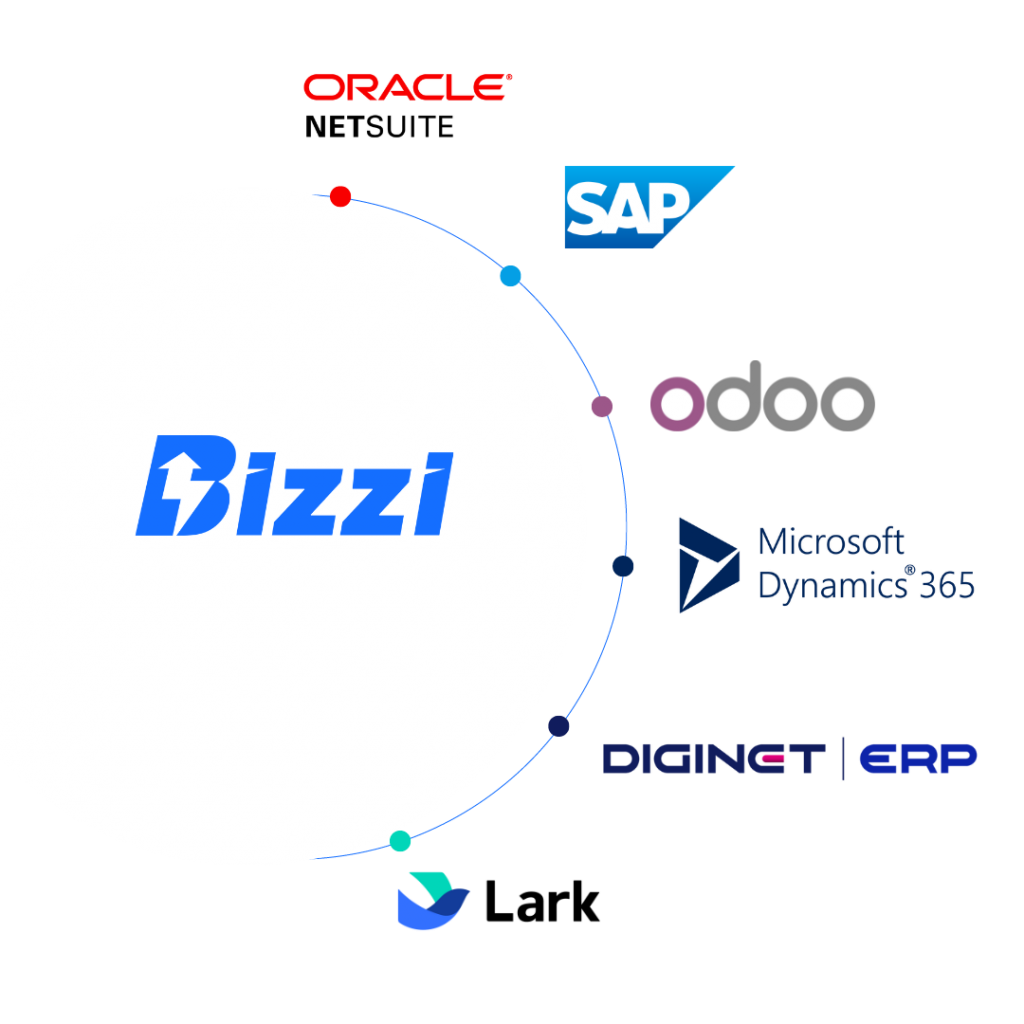
- Results are pushed into ERP (SAP, Oracle, Odoo, Misa, Bravo...) immediately, helping to synchronize data, reduce errors and legal risks.
Benefits: Reduced accounting workload, increased accuracy, standardized input data.
2. Bizzi eInvoice – Output Invoice
- Create – sign – send invoices from ERP automatically, complying with XML standards according to Decree 123.
- Supports batch processing across multiple branches and legal entities.
- Direct integration with ETAX, ensuring valid invoices and full tracking.
Benefits: Shorter release time, reduced errors, increased compliance, and improved customer experience.
3. Bizzi Integration Layer
- ERP Connection by API, ESB or middleware, compatible with many different systems.
- Normalize XML before sending ETAX to ensure data validity.
- Automatically handle error codes: retry, log and warn, reducing the risk of failure when sending invoices.
Benefits: increased reliability, reduced operating costs, creating the foundation for comprehensive automation.
4. Bizzi Expense
- Control budgets by department, attach invoices to payment requests.
- Ensure that expenses are legitimate from the point of origin, before they are approved and paid.
Benefits: proactive spending control, reduced fraud, increased transparency and compliance.
FAQ – What are the frequently asked questions about ERP integration and electronic invoicing?
Below is a summary of the content related to ERP integration and electronic invoicing, helping managers gain a more comprehensive perspective on the solution.
1. Can older ERP systems integrate with electronic invoicing?
- Yes, but middleware or an API/ESB layer is needed to connect the legacy ERP with ETAX/eInvoice.
- Bizzi system supports XML standardization, error code handling, helping old ERP to also integrate invoice automation.
2. How much does ERP – eInvoice integration cost?
- The cost depends on:
- ERP types (SAP, Oracle, Odoo, Misa, Bravo…).
- Invoice volume and branch size.
- The level of customization for mapping and workflow.
- With Bizzi, costs are optimized thanks to Built-in layer and data normalization, reducing deployment time and IT manpower.
3. How long does the integration take?
- Modern ERP (SAP, Oracle, Odoo): days to 2–3 weeks thanks to available API.
- Domestic ERP or legacy ERP without APIs: 2–6 weeks, depending on complexity and volume.
- Bizzi shortens time thanks to integration layer, retry logic, XML standardization.
4. Is ERP integration mandatory by law?
- It is not mandatory to use ERP, but it is mandatory that electronic invoices comply with Decree 123/2020, standard XML, digital signature, and storage.
- ERP integration helps synchronize data, reduce manual entry errors, avoid tax penalties, and is considered a best practice for Smart Finance.
5. How does ERP handle ETAX errors?
- Automatic Bizzi ETAX error handling:
- Retry sends the invoice.
- Detailed error log, warning for accountant.
- Support fix mapping, validate data before sending back.
- ERP receives invoice status. accepted, rejected, pending, ensuring the data is always accurate.
6. Can multiple invoice providers be integrated at the same time?
- Yes, Bizzi supports multi-vendor eInvoice.
- Automatically receive XML, extract, standardize data, push into ERP.
- Reduce the risk of errors when manually entering data from multiple sources.
7. How can I avoid data mapping errors?
- Using the XML normalization layer, clearly define the fields:
- Buyer/Seller info, TaxCode, TaxAmount, Line Items, PO/Contract mapping.
- Test the data before deployment.
- Bizzi supports log, retry, validation rules to ensure correct mapping, avoiding tax penalties.
Conclude
No longer an option, integrating ERP and electronic invoicing has become a standard operational requirement for businesses to ensure transparency, legal compliance, and cost optimization. When ERP and e-invoices are synchronized, businesses can operate accurately, reducing manual workload, data errors and tax penalties.
Select Bizzi – standard connectivity layer & automated processor will help businesses:
- Connect ERP with electronic invoicing, standardize data, and handle errors automatically.
- Avoid hidden costs, reduce tax risks, and upgrade the financial system towards digital-first.
- Standardizing data flow enhances reporting capabilities, cash flow management, and supports FP&A and strategic financial decisions.
In summary, integrating ERP and electronic invoicing is a mandatory step for businesses to transition to Smart Finance, and Bizzi is a comprehensive solution that helps realize this transition quickly, accurately, and cost-effectively.
To experience and receive personalized solutions for your business, register here: https://bizzi.vn/dat-lich-demo/





