


ERP integration and electronic invoicing This involves connecting the ERP system with the electronic invoicing system so that data doesn't have to be re-entered in multiple places. Businesses typically have two workflows to process: Retrieve data from ERP to generate outgoing invoices. and Receive input invoices from suppliers, verify them, and then input them into the accounts payable (AP) and ERP processes..
Businesses are not required to have an ERP system to use electronic invoicing. However, when an ERP system already manages orders, suppliers, goods, taxes, accounts payable, or accounting entries, designing a clear integration workflow helps reduce repetitive data entry, minimize discrepancies between systems, and create a foundation for automated invoice processing.
What is ERP integration and electronic invoicing?
ERP systems typically store core business data such as customers, suppliers, product codes, orders, delivery notes, taxes, accounts payable, and accounting entries. Electronic invoicing systems, on the other hand, handle tasks related to electronic documents such as creating or receiving invoices, verifying data, signing/issuing in the case of outgoing invoices, receiving processing status, and storing documents.
Therefore, integrating ERP with electronic invoicing is not simply a matter of transferring an XML file via API. Businesses need to clearly define their requirements. Which data is retrieved from the ERP, which data is generated by the invoicing system, and which statuses need to be updated back to the ERP? This is to ensure that the two systems do not record the same transaction differently.
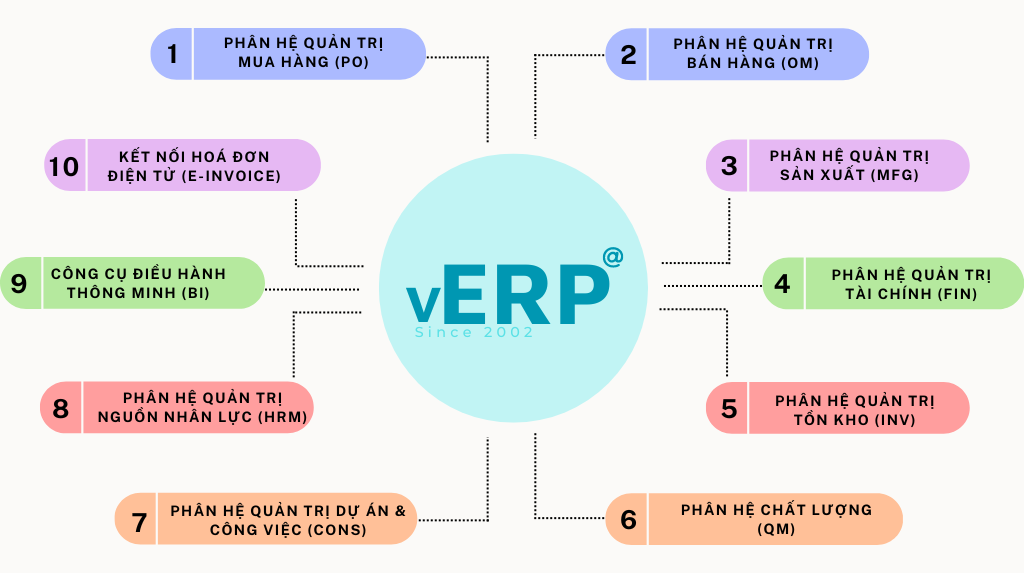
- ERP / BillingOrders, deliveries, customers, taxes
- Data Mapping & VerificationStandardize data before invoicing.
- Electronic Invoice SystemCreate, sign, issue, transmit.
- ERP statusCode, status, error, or adjustment
- Supplier invoiceXML, PDF, email, or reference source
- Receiving & InspectionExtract, validate, normalize
- Verification & ApprovalPurchase Order (PO), General Record (GR), contract, or related document.
- ERP / APRecording, accounting, accounts payable and payments
What data do ERP and electronic invoicing systems need to exchange?
Before connecting, businesses need to determine... Which system holds the original data for each school?. For example, the customer code might be managed by the ERP system, while the invoice number and issuance status are generated in the electronic invoicing system. If the same data is allowed to be modified in both places, discrepancies are very difficult to control during reconciliation.
| Data group | Common sources | The data needs to be converted to an electronic invoice. | Data to be returned to ERP |
|---|---|---|---|
| Legal entity / branch | Catalog data in ERP | Name, Tax Identification Number, Address, Issuing Unit | Invoice code/status according to the legal entity. |
| Customer/Supplier | Customer/Supplier Directory | Name, Tax Identification Number/Identifier, Address, Contact Information | Test results or reference codes when needed. |
| Goods/services | List of goods/services | Code, name, unit of measurement, quantity, unit price, discount | Information regarding data reconciliation errors, if any. |
| Tax | Tax configuration and business data | Tax rate, tax amount, basis for tax calculation | Related inspection or rejection status |
| Business Reference | SO/PO/GR/Contract | Order number, delivery number, or reference number required. | Invoice reference code for tracing back transactions. |
| Invoice status | Electronic invoice platform / tax authority depending on the specific operation. | — | Created, processing, successful, error, adjusted/replaced… |
| Supplier invoice | XML/PDF/email/invoice source | — | General information, item details, taxes, total amount, supplier, and purchase order/gross reference. |
| Accounting entry / accounts payable | ERP | It is not necessary to transmit it to an electronic invoice. | Results after AP verification, comparison, and approval. |
With electronic invoices in Vietnam, fields for seller, buyer, goods/services, unit of measurement, quantity, unit price, tax rate, tax amount, date of issue, and other mandatory information must be verified according to current regulations. Therefore, the data mapping table requires the participation of IT, accounting, and tax departments; the technical team should not be left to decide on the business fields on their own.
API, API connection, or file: which should businesses choose?
There is no single, one-size-fits-all ERP system integration method. Businesses should choose based on their existing system capabilities, synchronization frequency, invoice volume, security requirements, and operational feasibility after implementation.
| Current Status | The appropriate connection method for evaluation. | Points to check first |
|---|---|---|
| ERP cloud, API available. | Open API | Authentication, connection address, data structure, call limit, and state return mechanism. |
| ERP systems have their own APIs or interfaces for connection. | Connect to the enterprise API system. | Data exchange structures, access rights, connection versions, and error handling. |
| ERP installed in the company or legacy system. | Connect using the appropriate file or connector. | File format, synchronization frequency, SFTP directory, and method for verifying results. |
| Multiple power systems | Intermediate layer when truly needed. | Data coordination, shared catalogs, duplication control, and error monitoring. |
| Large quantity / requires near real-time synchronization | The API combines a queue for processing when needed. | Resend on error, prevent duplication, timeout limits, processing capacity, and monitoring. |
Bizzi currently supports three integration directions, including Open API, client system API connection and File Integration. Therefore, the lack of an API in an ERP system is not necessarily a reason to replace it. First, businesses need to examine how their current ERP system can import/export data, the level of synchronization required, and the actual processing frequency to choose the most suitable option.
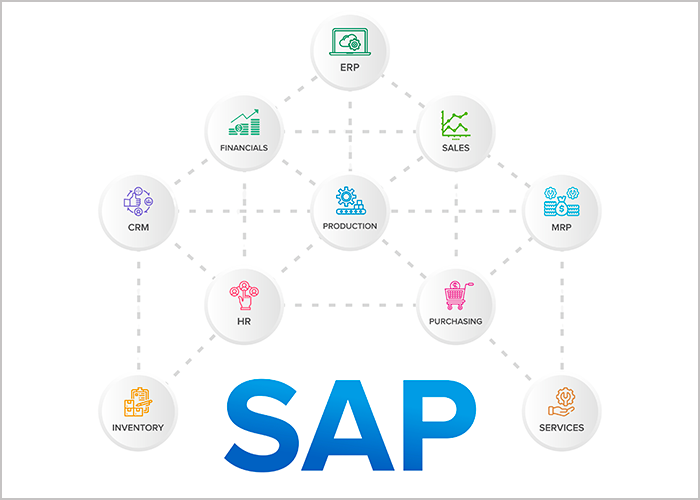
If your business is using SAP, check the version, module, and connection interface before choosing a data transfer method. See more. How Bizzi integrates with SAP ERP to determine what data and connection points need to be prepared.
Some enterprise ERP systems often require connectivity: The actual integration method depends on the version, interface, and architecture being used; a single technology should not be used as the default for all systems.
How does the invoice flow from the ERP system work?
For outgoing invoices, the ERP or sales system is typically where the transaction originates. Data needs to be verified before invoicing; after issuance, the invoice number and processing status should be updated back to the correct order or transaction in the ERP.
- Business transactions arise: Orders, deliveries, or transaction milestones that serve as the basis for invoicing are recorded in the ERP system.
- Prepare the data: ERP retrieves information about legal entities, customers, individual product/service lines, taxes, discounts, and related references.
- Check before sending: Check required fields, data mapping, and business logic.
- Invoice creation/issuance: The e-invoice platform processes transactions according to its configuration and applicable regulations.
- Receive feedback: The status indicates success, an error, or information requiring processing.
- Synchronization with ERP: The invoice code, invoice number, and status are attached to the original transaction so that accountants don't have to manually check between the two systems.
If the problem focuses on the sales invoice issuance side, businesses should separate the requirements for creating, signing, issuing, and synchronizing invoice status from the input invoice processing flow. The choice of an e-invoicing solution should be made only after clearly defining the data and status that need to be exchanged with the ERP system.
How should the input invoice flow be designed for ERP/AP?
With input invoices, the goal isn't just to import the file into the ERP system. Accountants need to... Receive the correct invoice, verify the information, identify the order or related documents, correct any discrepancies, and only then record the debt and make the accounting entry.. This is the crucial part of deciding whether integration will actually reduce the workload for the AP team or simply shift manual operations from one system to another.
- Receiving invoices: from supplier email, XML/PDF file, e-invoicing platform, or other suitable reference source.
- Read the data: XML files can be read directly because they already have a structure; PDFs or images may require OCR/IDP to extract information.
- Check the data: Compare the seller, invoice number, date, each item of goods/services, tax, total amount, and any unusual details.
- Identify the relevant documents: Purchase order (PO), delivery note (GR), contract, acceptance report, payment request, or expense center, depending on the type of transaction.
- Compare: Invoices with purchase orders (POs) can be reconciled by two or three parties; invoices without POs require a separate verification process instead of applying the same rules.
- Handling discrepancies: Cases involving discrepancies in quantity, unit price, tax, supplier, duplicate invoices, or missing documentation should be forwarded to the appropriate person in charge.
- ERP approval and implementation: Only data that has passed the necessary verification steps is included in accounts payable or journal entries according to the company's procedures.
| Invoice type | Commonly used references | Appropriate control logic |
|---|---|---|
| Invoice with purchase order | PO + GR/Receipt of Goods | Reconcile two or three parties according to policy. |
| Service/invoice without purchase order | Contract + acceptance certificate + payment request | Document approval and verification flow |
| Recurring costs | Recurring contract/service + payment period | Check for duplicate suppliers, payment terms, amounts, and invoices. |
| Advance payment / prepayment | Request/advance payment + reimbursement documents | Compare according to the company's financial procedures. |
With an invoice that includes a purchase order (PO) and a delivery receipt, businesses can use them. 3-way matching This is to compare the Invoice, Purchase Order, and Gross Receipt before recording the debt. This is a business control step after all data has been received, helping to clearly separate connection errors from discrepancies in purchasing or receiving goods.
ERP-e-invoice data mapping: which fields are most prone to errors?
Data mapping is more than just renaming columns between two systems. A field might be correctly formatted but still have business errors. For example, the same item might have different codes across ERP systems, purchase orders, and supplier invoices; without a clear conversion table, the system might still "successfully receive the data," but the accounting department won't be able to reconcile it.
| Data field | Inspection is required. | Risks if wrong |
|---|---|---|
| Legal entity / Tax identification number | Correct legal entity, branch, and tax registration information. | Invoices with incorrect unit of sale or buyer data. |
| Customer / Supplier | Compare the internal code with the tax identification number/identifier and partner name. | The debt or related transaction cannot be identified. |
| Product/Service Code | Product name, internal code, and unit of measurement | Incorrect item line, inability to match purchase order/groove, or incorrect report. |
| UOM | Conversion table for units of measurement if the two systems are different standards. | Incorrect quantity or generating false alerts. |
| Tax rate / Tax amount | Rules based on transaction type and tax configuration | Incorrect tax amount or data rejected during audit. |
| Discount | Discount applied per item or for the entire invoice, before or after tax. | Difference in amount or total amount |
| PO / GR / Contract | Format, Uniqueness, and Existence in ERP | Unable to automatically match or transfer to the correct processing procedure. |
| Invoice status | Converting status between e-invoices and ERP | One system is complete, but the other is still waiting. |
How do we handle errors, states, and duplicates?
Integration is only truly stable when businesses know what to do when data doesn't flow as expected. Besides automatic resending in case of errors, it's necessary to categorize the cause, identify the person responsible for handling it, and have a regular reconciliation process to detect discrepancies between the two systems.
| Error type | For example | Control methods |
|---|---|---|
| Connection error | Timeout or connection not responding | Queueing, limited resending, and alerts. |
| Structural/Data Error | Missing fields, incorrect formatting. | Check before submitting and specify the faulty field. |
| Business procedure error | Invalid tax, legal entity, or reference code | Inspection rules + person in charge of operations |
| Duplicate data | The same transaction was resent after a response was lost. | Unique identification key and verification of processed data. |
| State deviation | The e-invoice was successful, but the ERP system has not been updated. | Automatic status updates + scheduled reconciliation |
| The invoice does not identify the transaction. | Input invoice - Supplier/PO could not be found. | Add to the list for controlled processing and classification. |
| Discrepancies when comparing | Unit price, quantity, or GR different from invoice | Apply the deviation threshold and refer the case to the appropriate authority for handling. |
Resend when error occurs but do not create duplicate transactions.
A request may lose its response even if the receiving system has successfully processed it. If the system simply resends without verifying the original transaction, the same invoice could be created twice. Therefore, each transaction needs a unique identifier and a verification step before creating a new record.
Verification is still needed even though the data is synchronized in near real-time.
Even though data is updated in near real-time, businesses should still periodically reconcile the number of documents, status, total amount, and transaction codes between the two systems. This step helps detect errors that don't cause the system to stop but result in discrepancies between ERP data and electronic invoices.
Can an existing ERP system or one without an API be integrated?
That's possible, if the ERP system still has a stable way of exporting and receiving data. The absence of an API doesn't necessarily mean replacing the ERP system. Businesses can consider connecting using files, existing interfaces, or middleware, depending on the frequency of updates and the level of automation desired.
Suitable when the system can export standard files on a schedule and does not require real-time operation.
The interface provided by the ERP system can be utilized if it meets security and access control requirements.
Useful when you need to convert formats, connect multiple systems, or put transactions into a processing queue.
It should only be used when there is no more stable connection interface and a monitoring mechanism is needed because the system display may change.
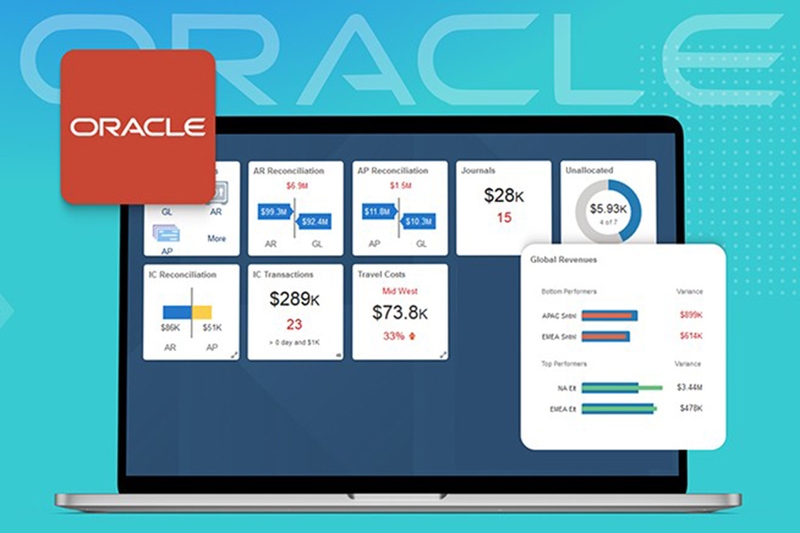
With cloud ERP systems like Oracle NetSuite, it's advisable to check the available APIs and connection interfaces first; only switch to a file-based solution if a direct connection is unsuitable. Businesses using this system can refer to additional guidelines. Oracle NetSuite integration.
What factors determine the cost and time required for ERP-e-invoicing integration?
Cost and time estimates should not be based solely on the ERP name. A large system can still be implemented efficiently if the scope is clear and the data is standardized; conversely, a simple ERP may take a long time if the data is scattered and there are many exceptions.
- Number of legal entities/branches: The more units there are, the more clearly the invoicing rules and catalog data need to be separated.
- Input invoices, output invoices, or both: Each dimension has a different data flow and error group.
- Number of power systems: ERP, WMS, purchasing systems, CRM, POS, or a custom-developed internal system can all be integrated.
- Catalog data quality: Incorrect supplier codes, product codes, units of measurement, and tax configurations will increase the volume of data reconciliation.
- Level of detail: Synchronizing general information is quite different from comparing each line item between the Purchase Order (PO), General Receipt (GR), and invoice.
- Synchronize immediately or in batches? Near real-time updates require more robust queuing mechanisms, state return, and monitoring.
- Error processing flow: The more exceptions there are, the more important it is to have clear rules, acceptance thresholds, and approvers.
- Security and networking: VPNs, IP access restrictions, SSO, encryption, system logging, and permissions can all affect deployment time.
- Testing and data transfer: The number of scenarios to be tested and the amount of historical data to be transferred significantly impact the project volume.
Checklist for ERP and electronic invoicing integration implementation.
| Step | Need to finalize | Expected output |
|---|---|---|
| 1. Scope | Input/output invoices, legal entity, invoice type, and participating systems. | Deployment scope document |
| 2. Original data source | Which schools belong to the ERP system, and which schools belong to the e-invoice system? | Data Source and Responsibility Matrix |
| 3. How to connect | API, enterprise API, middleware file or layer | Connection design |
| 4. Data Mapping | General information, line details, tax, reference, and status | Data mapping documents |
| 5. Security | Authentication, authorization, networking, encryption, and confidential information. | Security Checklist |
| 6. Error handling | Which errors are automatically resubmitted, and which require human intervention? | Error matrix and responsible parties |
| 7. Reconciliation | How to detect data discrepancies between two systems. | Daily/End-of-period control |
| 8. User testing | Normal situation + exceptions | The scenario has been confirmed. |
| 9. Switch to the new system. | Inventory data, open transactions, system migration time | Official operating plan |
| 10. Monitoring | Internal monitoring, alerting, support personnel, and SLAs. | Operating and troubleshooting guide |
12 scenarios that should be tested before deployment.
- A regular invoice with a tax rate.
- An invoice may have multiple line items or multiple tax rates.
- Discounts are offered at the line and/or invoice level.
- Multiple legal entities or branches.
- Data transmission timed out.
- Resubmit the same transaction to test the anti-duplication mechanism.
- The data is missing a required field.
- The error handling state was then successfully resolved.
- The input invoice does not have a purchase order (PO).
- The input invoice has a purchase order (PO), but there's a discrepancy between the quantity and unit price.
- An invoice may be linked to multiple supporting documents if a transaction occurs.
- Adjust/replace invoices and synchronize the status to the ERP system.
The 2026 electronic invoicing regulations need to be reviewed during the integration design process.
From July 1st, 2026, Decree 254/2026/ND-CP will take effect, providing detailed regulations on electronic invoices and electronic documents in accordance with the Tax Administration Law No. 108/2025/QH15; Circular 91/2026/TT-BTC will guide related contents. The new framework requires electronic invoices to conform to standard data formats and contain all the required information.
For the deployment team, the part that needs direct review is: Data fields, creation/signing date, invoice type, error handling method, and save status. It is not advisable to fix old data structures or rules in a program without a mechanism to update them when the rules change.
See details New points of Decree 254 and Circular 91 on electronic invoices Before finalizing the data configuration, the billing timing, and how to handle system errors.
Legal source: Decree 254/2026/ND-CP and Circular 91/2026/TT-BTC. Before official implementation, it is advisable to review the current regulations and configuration of the e-invoice provider.
How does Bizzi support ERP integration with the invoicing process?
For businesses with numerous supplier invoices, simply getting data into ERP faster isn't enough. More importantly... Verify invoices, compare them with related documents, and identify discrepancies before the accountant records the debt..
From vendor invoices to ERP/AP in a controlled flow.
With Bizzi Bot/IPA, businesses can automatically collect incoming invoices, verify data, compare it with related documents, and synchronize results to ERP or accounting software. Depending on the system being used, Bizzi can connect via Open API, the existing system's API, or File Integration.
See how Bizzi automates the processing of incoming invoices.
Frequently Asked Questions about ERP and Electronic Invoicing Integration
Can an older ERP system without an API integrate with electronic invoicing?
Yes, it's possible. Businesses can connect using files, leverage existing interfaces, or use an intermediary layer. The synchronization frequency, data format, reconciliation method, and the person responsible for handling transactions that are not received need to be clearly defined.
Is integrating ERP with electronic invoicing mandatory by law?
No. Businesses subject to the regulations must comply with the electronic invoicing regulations, but the law does not mandate the use of ERP or require ERP to connect with e-invoicing. This is a decision about how the system is organized and operated.
Is an API always better than connecting via file?
No. APIs are suitable when frequent or near real-time synchronization is required; file-based connections may still be suitable for legacy ERPs or stable batch processing workflows. The choice should be based on business requirements and operational capabilities, not simply on which technology sounds more "modern.".
Do XML invoices require OCR?
Not necessarily. XML is already structured data, so the system can read it directly. OCR/IDP is more suitable when you need to extract information from PDFs, images, or documents that don't have a standard structure.
Is 3-way matching part of ERP-e-invoice integration?
3-way matching is a control step in the accounts payable process for transactions with purchase orders (PO) and receipts (GR). Integration facilitates data transfer between systems; while 3-way matching involves reconciling invoices with purchase orders and delivery notes.
How much does it cost to integrate ERP and electronic invoicing?
The cost cannot be determined solely from the ERP name. It depends on the scope of incoming/outgoing invoices, the number of legal entities, the number of systems to connect, data quality, the level of detail required for verification, the number of invoices, security requirements, and any exceptions that need to be handled.
How can I avoid creating duplicate invoices or transactions when the system has to resend the data?
Each transaction should have a unique reference code; before creating a new one, the system needs to check if the transaction has already been processed. Additionally, a reconciliation step is needed to detect cases where the recipient has successfully processed the transaction but the sender has not received a response.






